0.8.1
2019-05-16 07:06:17
Windows 98, Windows XP, Windows Vista, Windows 7, Windows 10
10.37 MB
x32/x64
Other, Russian, English, German
mozarcik
qtadb.wordpress.com

Description
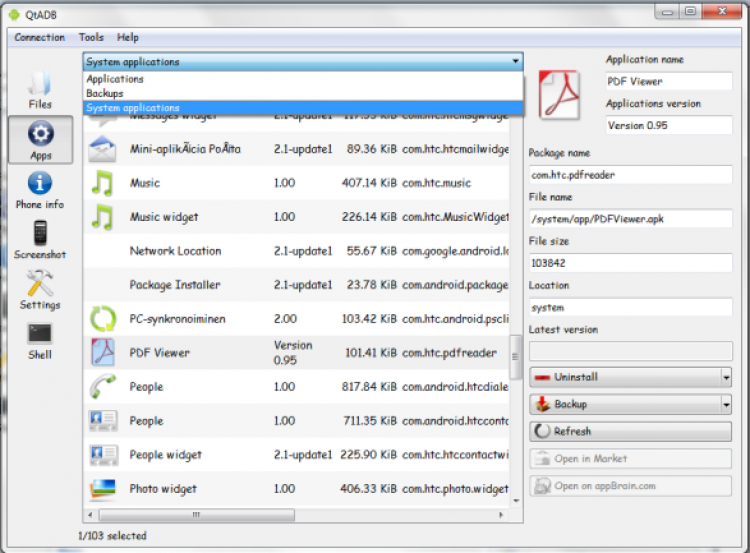
QtADB is a program for comprehensive control of your Android smartphone or tablet connected via USB cable to your computer.
The program features
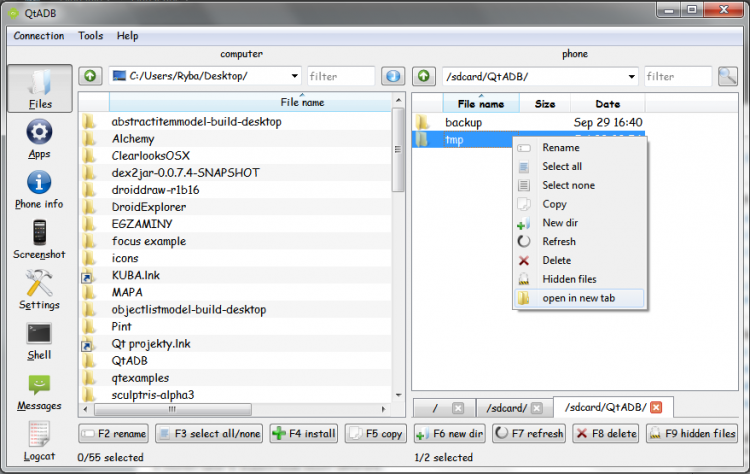
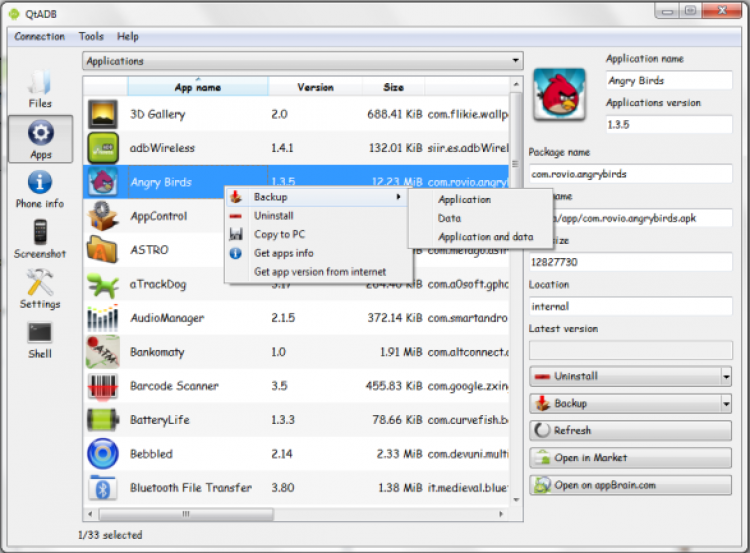
With QtADB, you will be able to make the process of transferring files from your mobile device to your computer and back much easier. Using the program as a file manager, you will have all the functions necessary for data management on your gadget. Thus, you will be able to transfer, copy, delete files, create new folders on your gadget and much more. A nice addition will be the possibility of managing applications. It will allow you to install and uninstall applications on your gadget, or back them up in APK format.
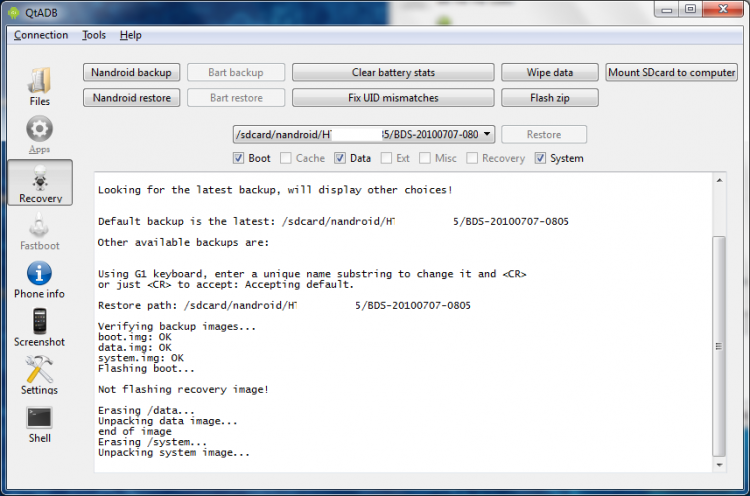
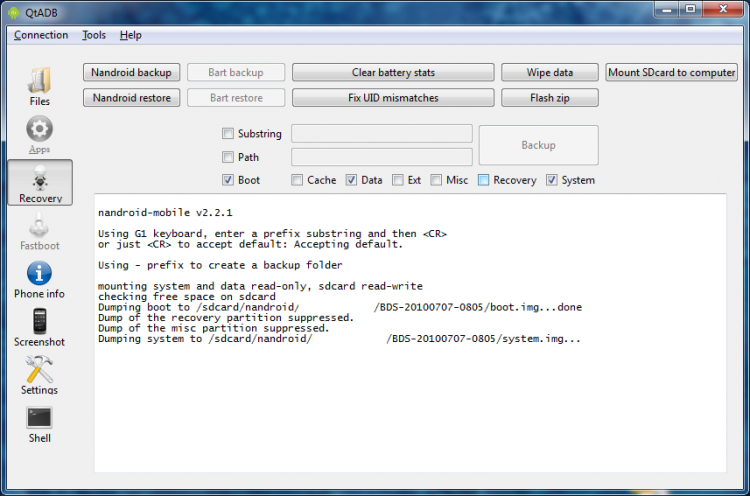
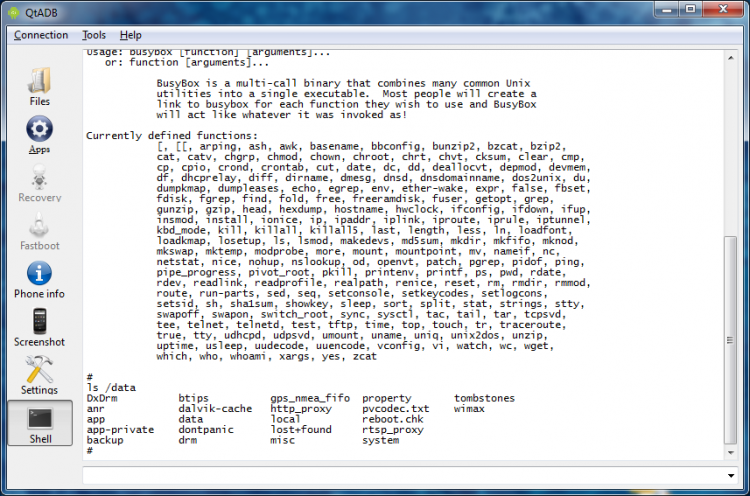
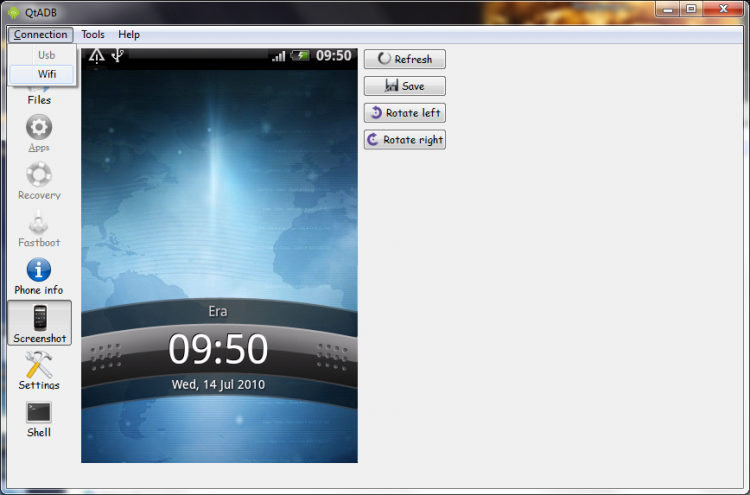
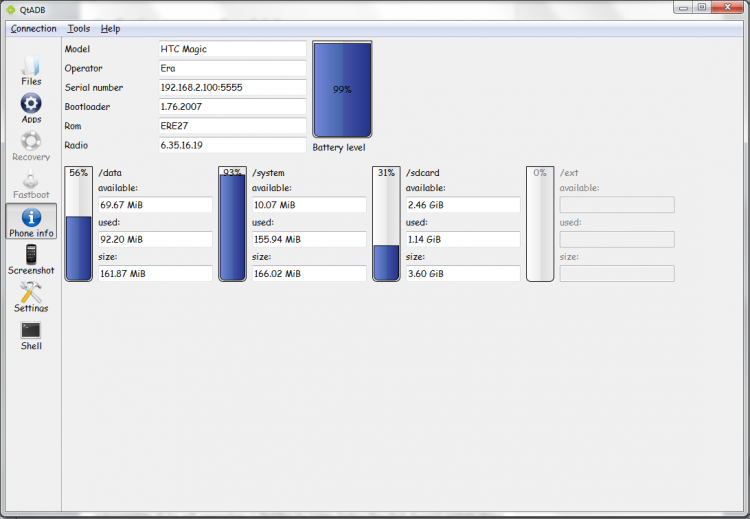
Other features include system restore from backups, screen capturing and saving screenshots in PNG format, opening the “shell” and getting detailed information about your mobile device, including battery level, available memory space on the external drive and SD card, etc.
Installing the program
Before installing the program, you must first download and install the Android SDK. After that, unzip the archive with QtADB. The first time you run the program you will be asked to specify the path to the “platform-tools” directory, which is located in the folder where the SDK is installed. After these manipulations you can start working with the program.
We recommend you download QtADB from freeSOFT: it is completely free and does not require registering or sending any SMS.
Versions
(0.02 MB)
x32/x64
(10.37 MB)